
macOS · Dock & menu-bar utility
The drives and cards app macOS should have shipped with.
For photographers, editors, and anyone who lives on a pile of external drives and SD cards. MountDock puts every disk in your Dock and menu bar — see what’s mounted, know when it’s safe to unplug, and force-eject the drives macOS insists are “in use.”
Free for 14 days · $14.99 once · no subscription


What it does
Drives and cards, done beautifully.
A force-eject that talks back
When macOS says the disk is busy, MountDock names the app that’s holding it — then force-ejects anyway if you say so. No more hunting for the culprit in Activity Monitor.
Eject leaves the drive attached
Ejecting unmounts the volume but keeps the device present — greyed out with a Remount button — until you physically unplug it. The way Finder should have done it.
Auto-eject on sleep, remount on wake
Optionally unmount external drives when your Mac sleeps, locks, or goes idle, and bring them back when you wake it. Off by default; entirely yours to turn on.
Live read/write activity
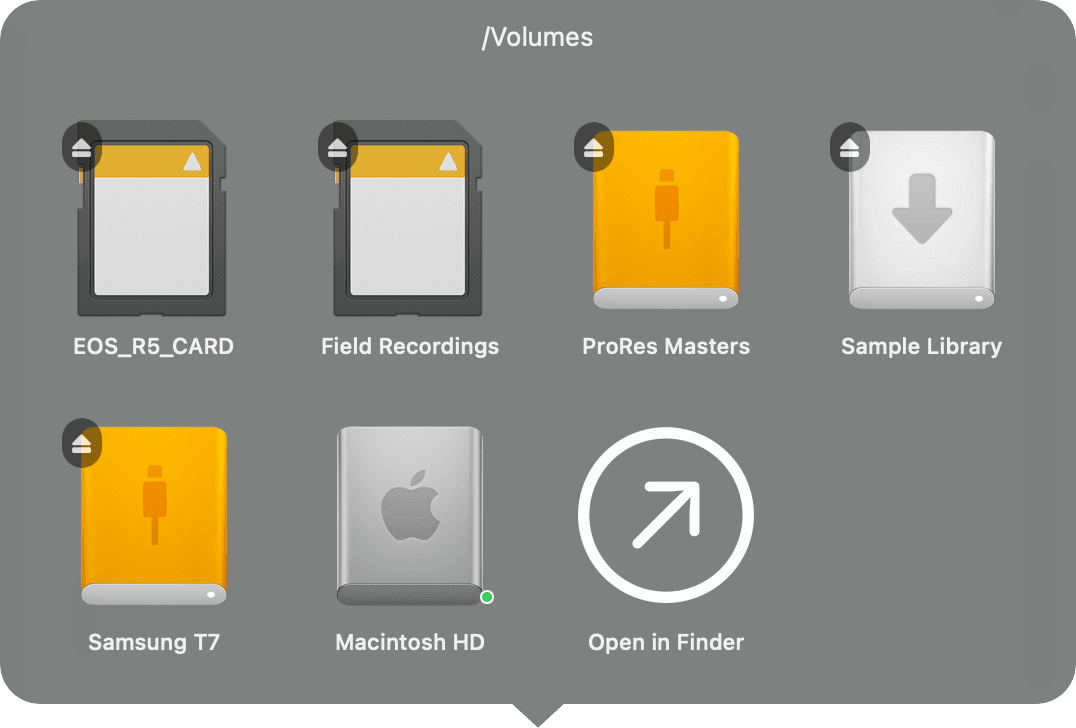
A quiet green dot shows when a drive is actually doing I/O — so you know when it’s genuinely safe to pull, not just when the spinner stopped.
Three places, one app
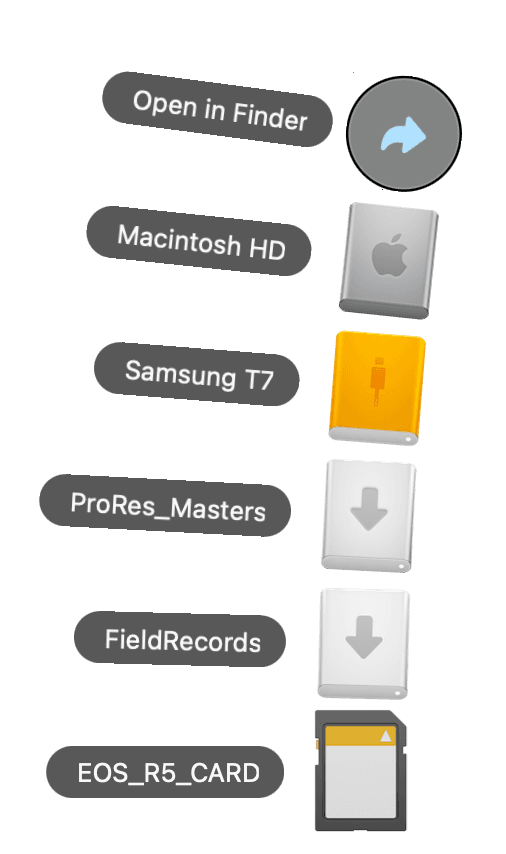
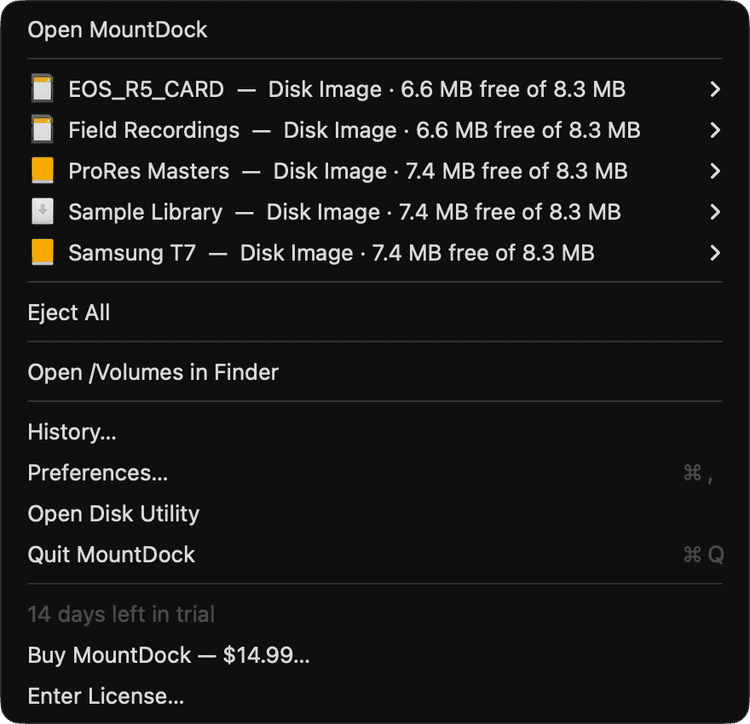
A pixel-matched Finder stack in the Dock, a list in the menu bar, and a full Finder-style window — the same volumes and the same actions, wherever you reach for them.
Pricing
One price. Yours to keep.
A perpetual license. Buy it once and it’s yours — including every update to this version. No subscription, ever.
brew install --cask aremesco/tap/mountdock- 14-day free trialFull features, no credit card to start.
- Up to 3 of your MacsOne license covers your own machines.
- Every update includedAll 1.x updates land free, automatically.
- Major upgrades optionalA future 2.0 is a separate, optional buy.
macOS 13 Ventura or later · Apple silicon & Intel · signed & notarized